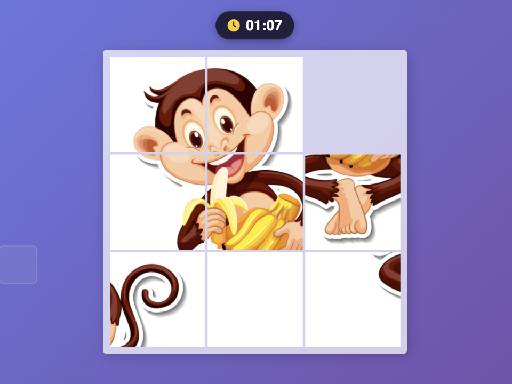
Interactive Jigsaw Puzzle Game
Engage your users with a fun and interactive Jigsaw Puzzle Game built with pure HTML5, CSS3, and JavaScript. This fully responsive game allows players to click or tap puzzle pieces, complete puzzles of different sizes, and enjoy a smooth, user-friendly experience. Perfect for websites, educational platforms, or entertainment apps, this game is easy to integrate and customize. Features include multiple puzzle sets, responsive design, timer & move counter, and attractive animations to enhance gameplay.
How to Play
Tap a puzzle piece to select it, then drag it to the correct position on the board. Complete the entire image by connecting all the parts. Turn pieces by double-clicking if they are facing incorrectly. Watch the timer and move counter to track your performance. Launch with easier puzzles to learn the interface. Use the preview image for help when unsure.
More from This Category

Balls Rugby Flick
Playing rugby by flicking the balls to score goals. PLAY NOW!

Basketball Arena Ultimate Hoops Showdown
Aim and Flick the Mouse to Shoot the Ball! . Start by pressing the left button anywhere on the screen. . While holding down the button, slide it to increase the power of your ball throw. . Release the button to throw the ball. Remember, you only have three ball throws per level, so use them wisely! Enjoy the game and make those shots count!
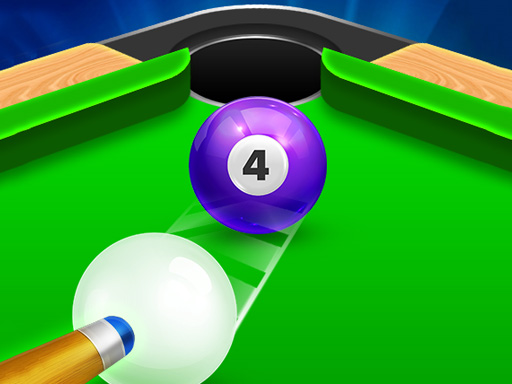
8 Ball Shoot It All 3D Pool
best pool gaming with 3D graphics & real-time 3D Zoom! So interesting, you can play like youre at a real pool table, cue in hand, aiming for a victorious shot!
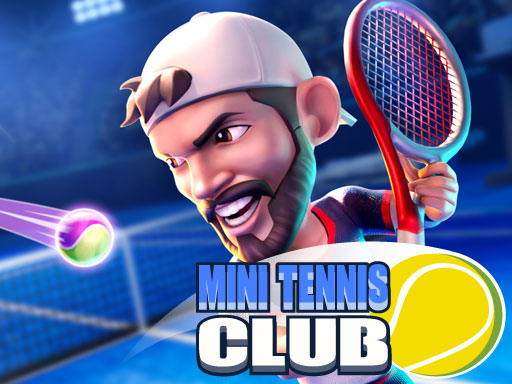
Mini Tennis Club
Take part in an amazing tennis match and enjoy the swift and fluent game. Practice before joining a tournament, because playing is easy, but mastering all the moves is not so much Have fun with this entertaining 3D tennis game with this new Mini Tennis Club game, a casual game compete against other players and beat them all and you can unlock new characters.Website Developer <a href='https://kiz10.com'>https://kiz10.com</a>
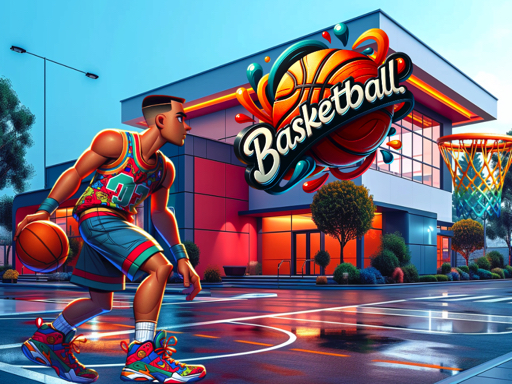
Ultimate Hoops Showdown: Basketball Arena
Basketball Flicker: Aim and Flick the Mouse to Shoot the Ball! . Start by pressing the left button anywhere on the screen. . While holding down the button, slide it to increase the power of your ball throw. . Release the button to throw the ball. Remember, you only have three ball throws per level, so use them wisely! Enjoy the game and make those shots count!
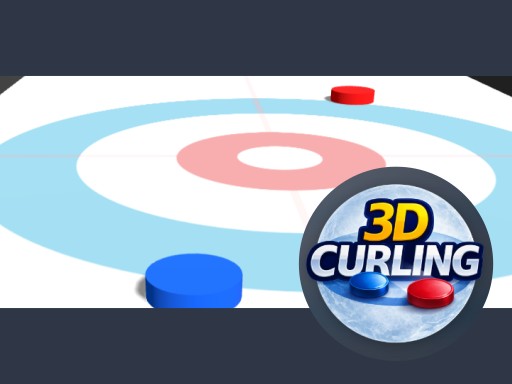
3D Mini Curling
Experience the classic winter sport in a smooth and satisfying 3D simulation. Aim carefully, adjust your power, and release the stone with precision to outscore your opponent.